




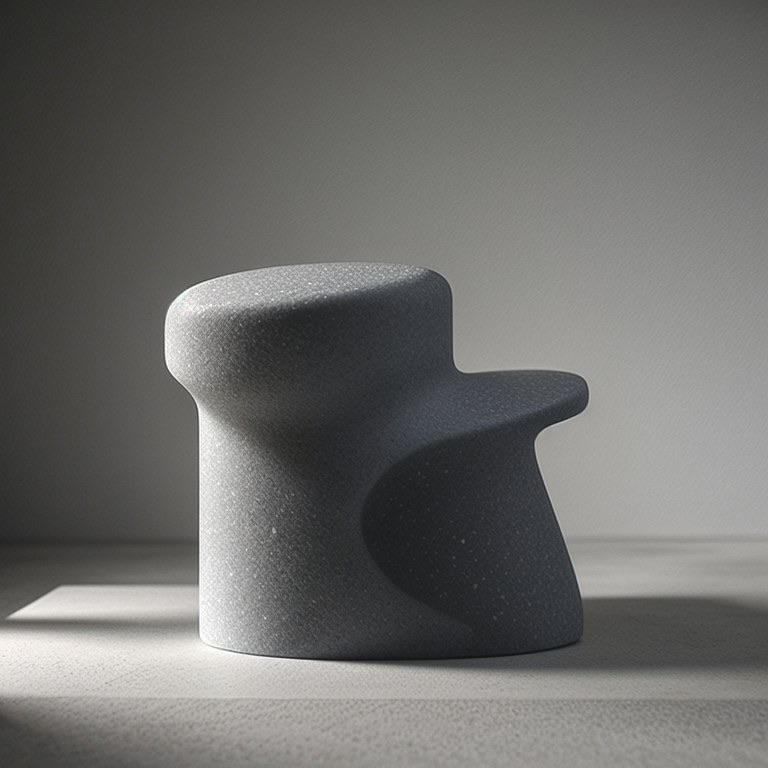
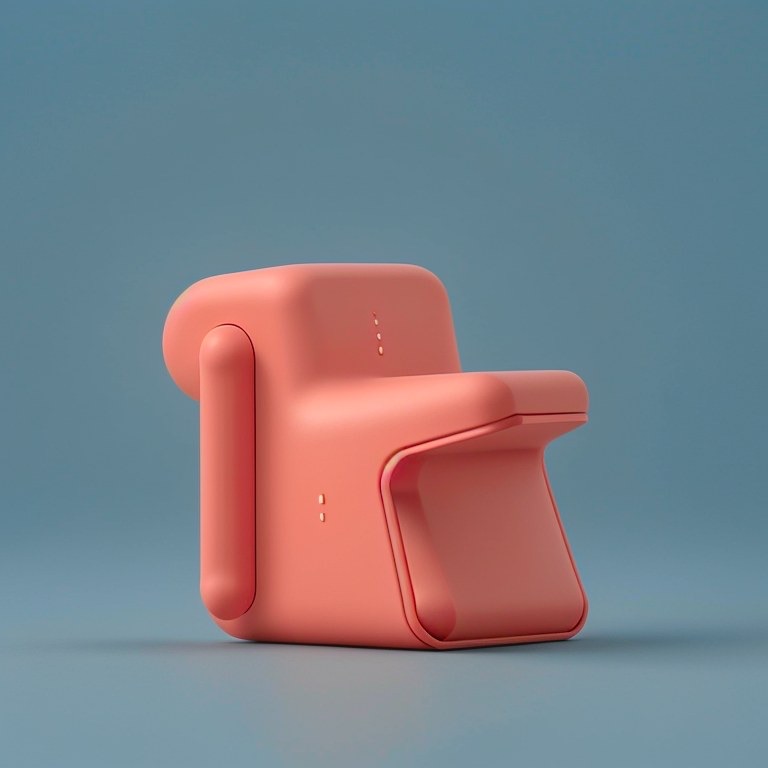
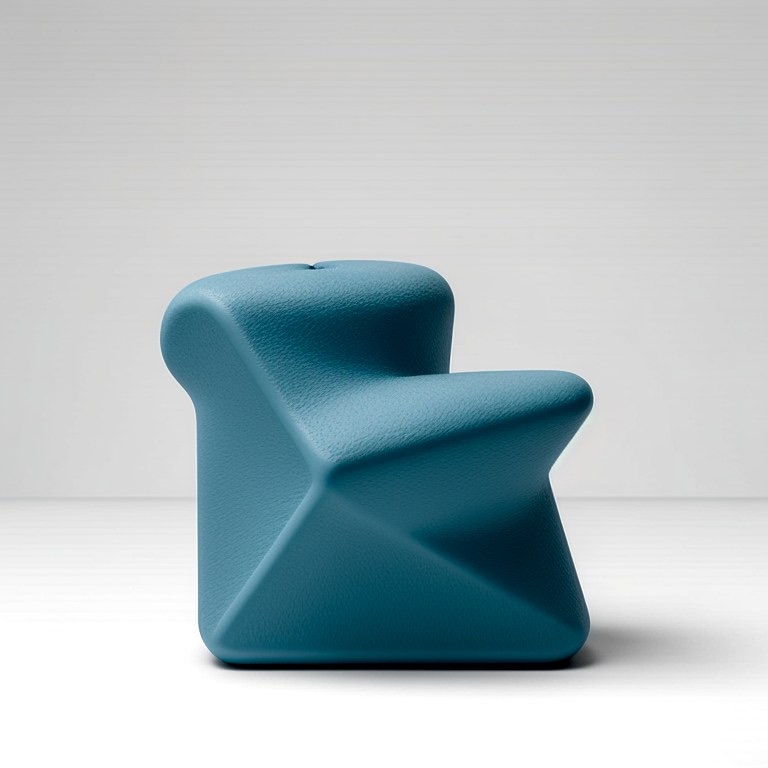
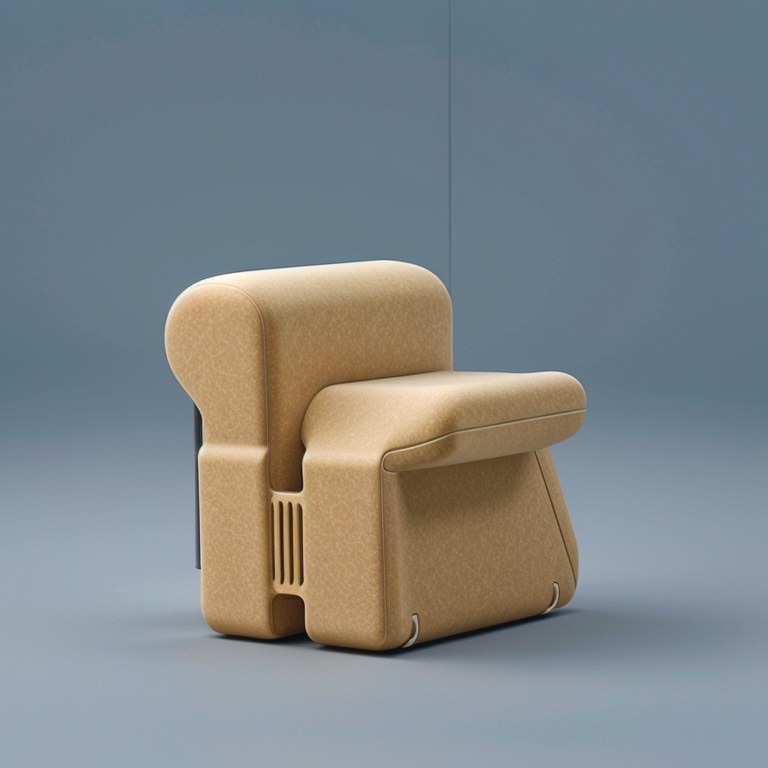
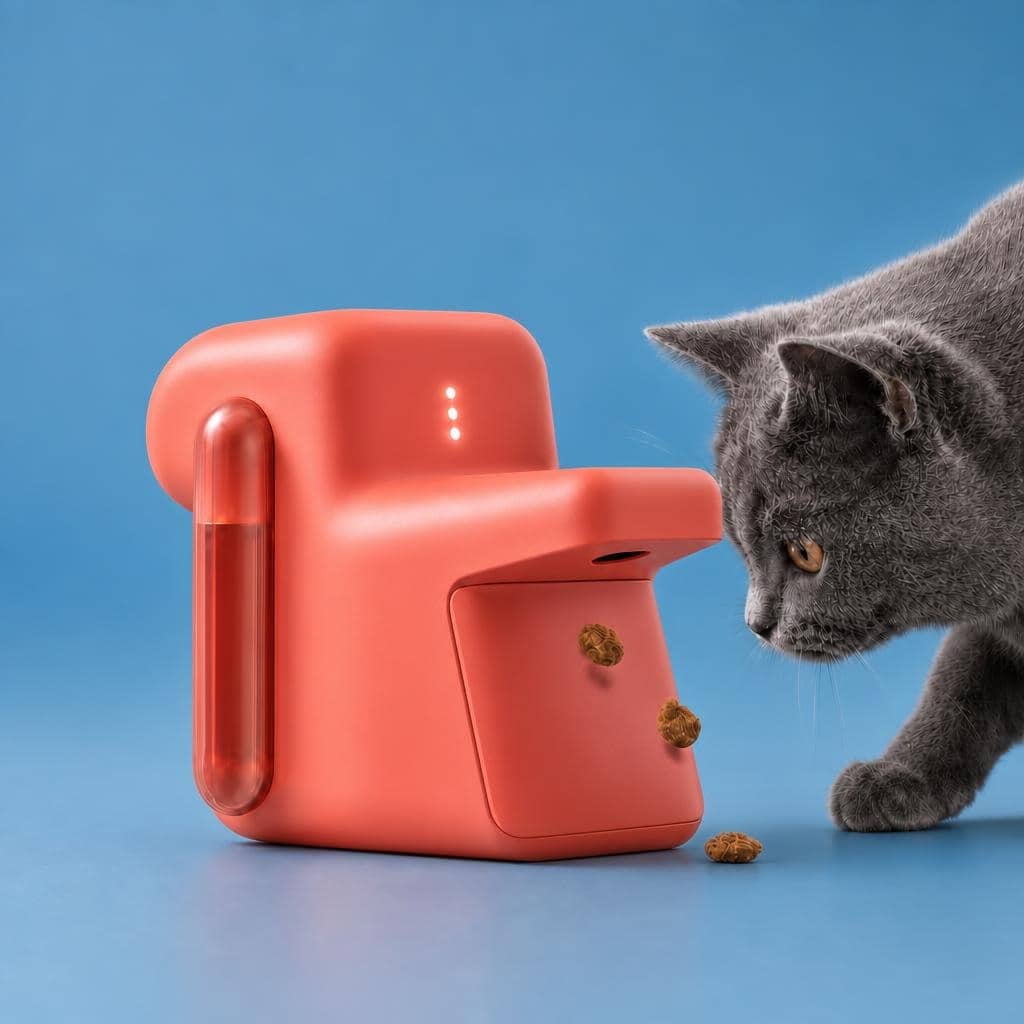

The Hypersketch Possibility Loop™
The student stays in the thinking loop.
Students do not need to begin with a finished idea or a perfect prompt. They begin by making something, provoke possibilities with AI, then decide what is worth noticing and where it could lead.
From the first rough mark to communicating the idea, the student keeps making choices.
AI expands what they can see.
The student decides what matters.
The Difference
✕Answer-generating AI
Prompt → Answer.
No thinking, no authorship.
✓Hypersketch
Just Make → Provoke → Notice & Shortlist → Connect Dots → Reframe → Build & Branch → Communicate ↻
Human in the loop.
Why Visual Co-Thinking?
See why Hypersketch works differently
How rough beginnings, visual provocations and student judgement help learners get started — and make their thinking visible.
How the loop behaves
Explore until something is worth pursuing. Then develop it.
The first four moves can repeat as long as needed. Crossing into development is a human decision.
Start fast with doodles or build with stickers.
Instigate AI to provoke you back with uncommon thought starters.
Instinctively shortlist what has surprising potential.
Connect ideas to plausible value for problems and human appeal.
Generation does not force convergence. Students can keep exploring until something earns their attention.
The student decides
There is something here worth pursuing.
AI can open possibilities.
Only the student can decide what is worth pursuing.
Change what the idea could be — and who it is really for.
Student defines the direction. No tool does the reframing.
Develop promising directions while keeping alternatives open.
Make the idea clear enough for others to understand, question and respond.
The point is not to get the right image. It is to keep the student making decisions.
What becomes possible for teachers
Thinking becomes visible enough to teach.
Creative thinking normally happens invisibly, or only becomes apparent when a student presents a finished idea. Hypersketch brings the exploration forward.
Teachers can see what caught a student's attention, what they chose to pursue, how they connected possibilities, where they reframed the idea and how it developed.
The final image matters. The thinking that led there matters more.
Don't just show the outcome. Show how it got there.
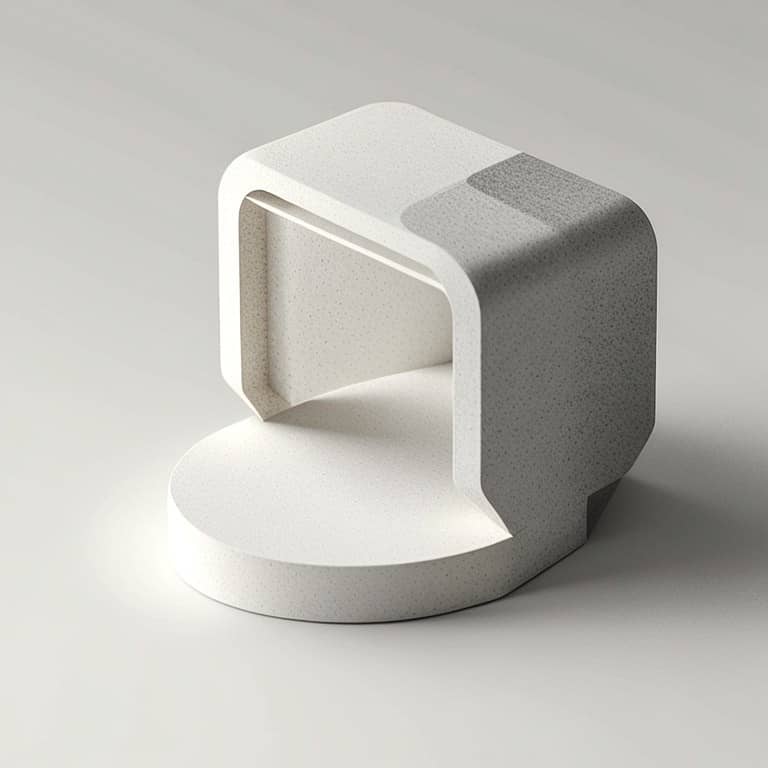
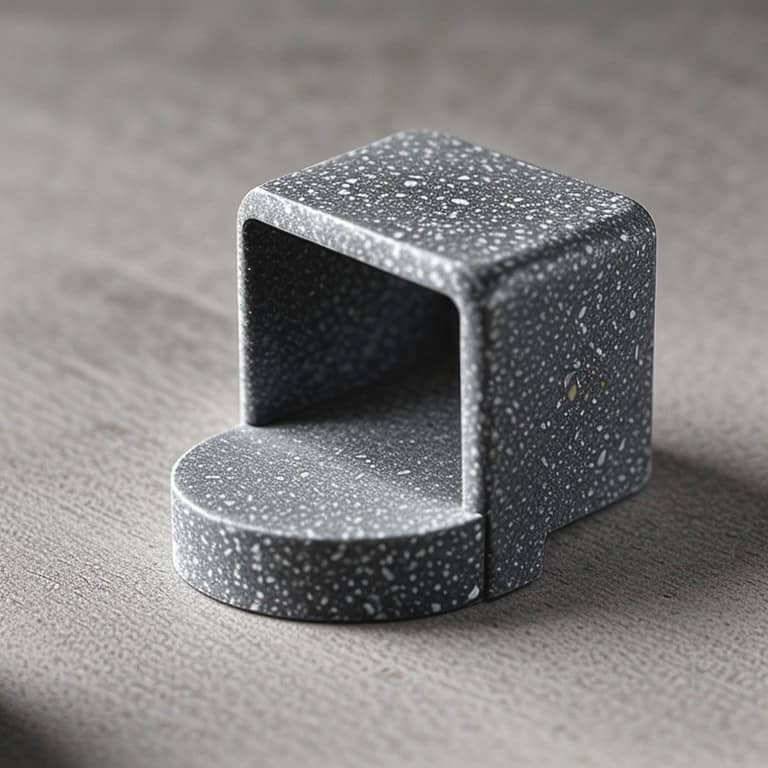


Moment 1 — Starting move




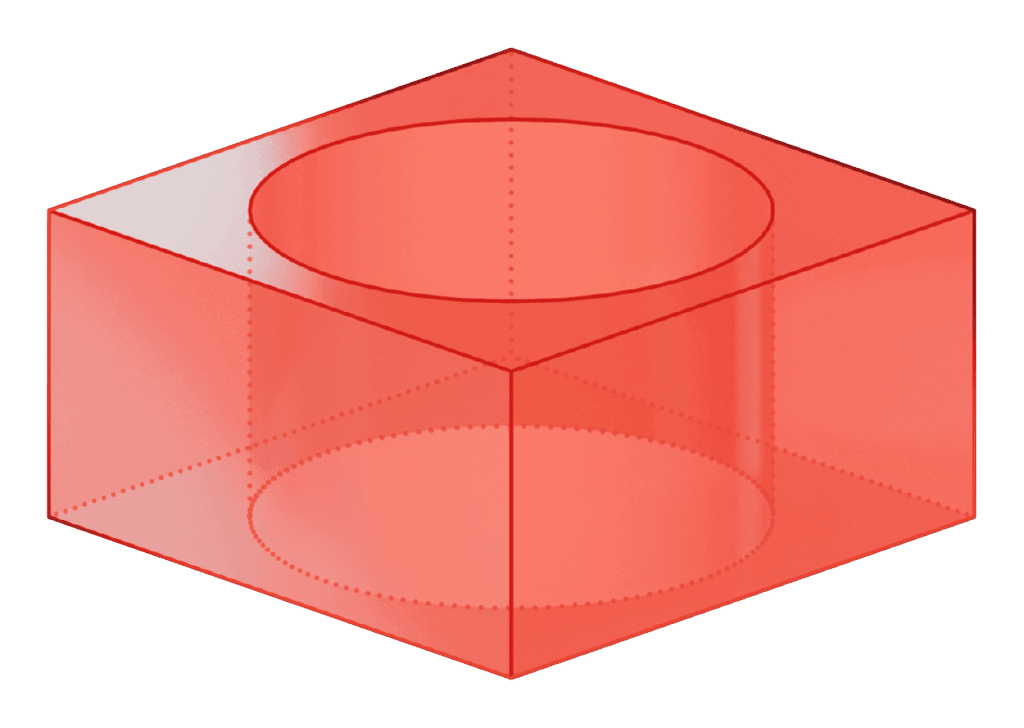






The student begins before certainty.
Without needing to have an answer in mind, the student can start with some rough marks, or play with stickers — and gain creative momentum to explore.
Moment 2 — The field of provocations
AI offered loose possibilities.
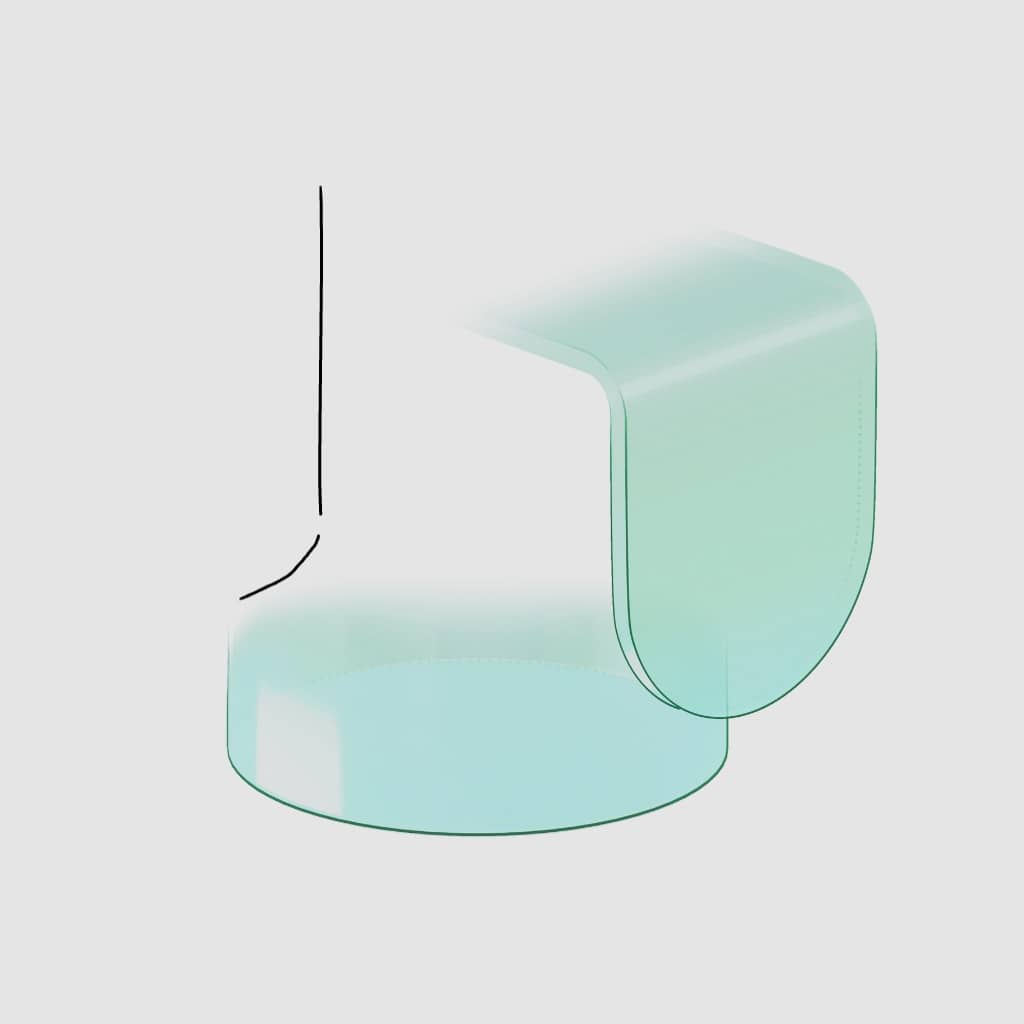



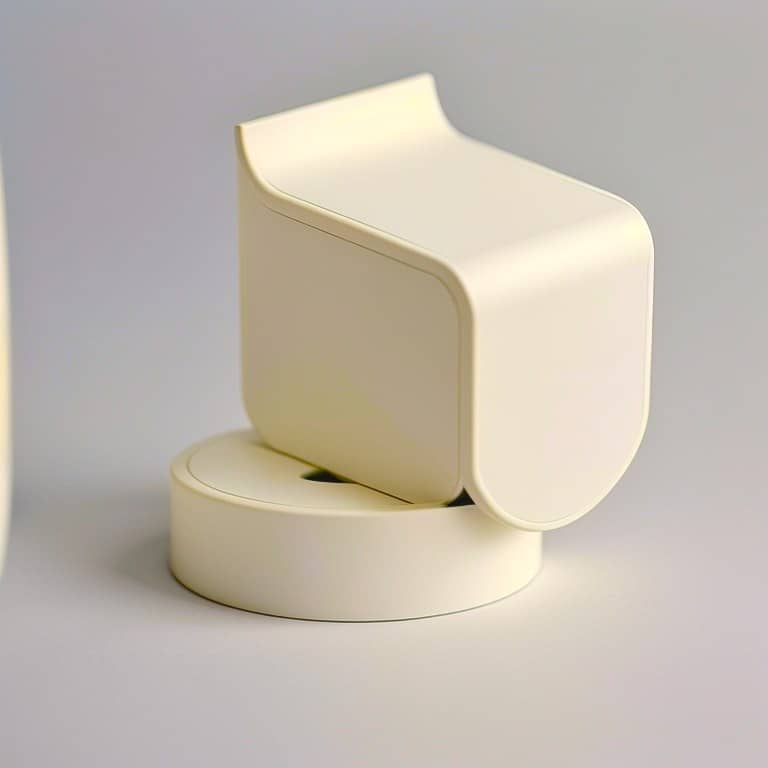

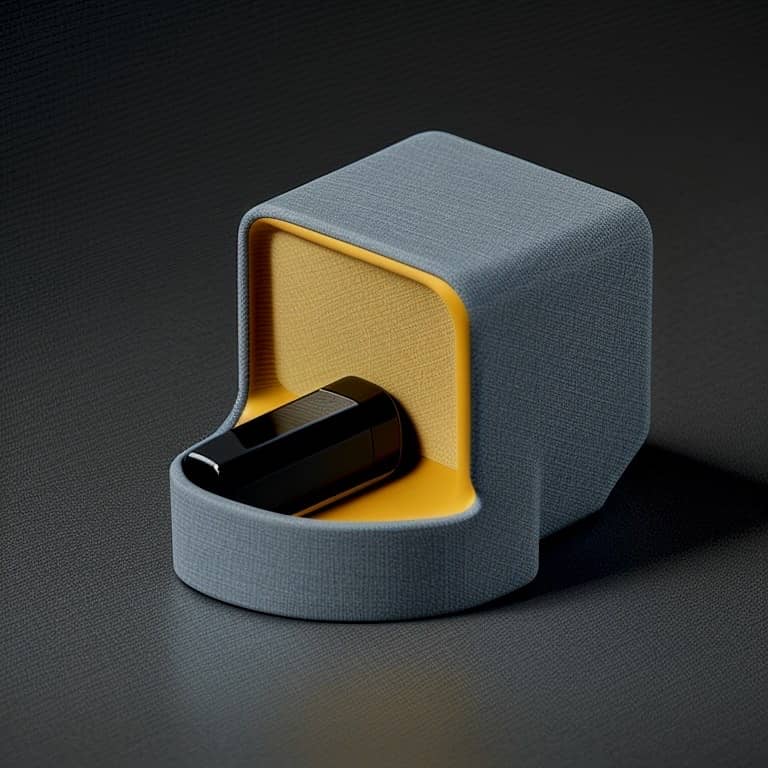



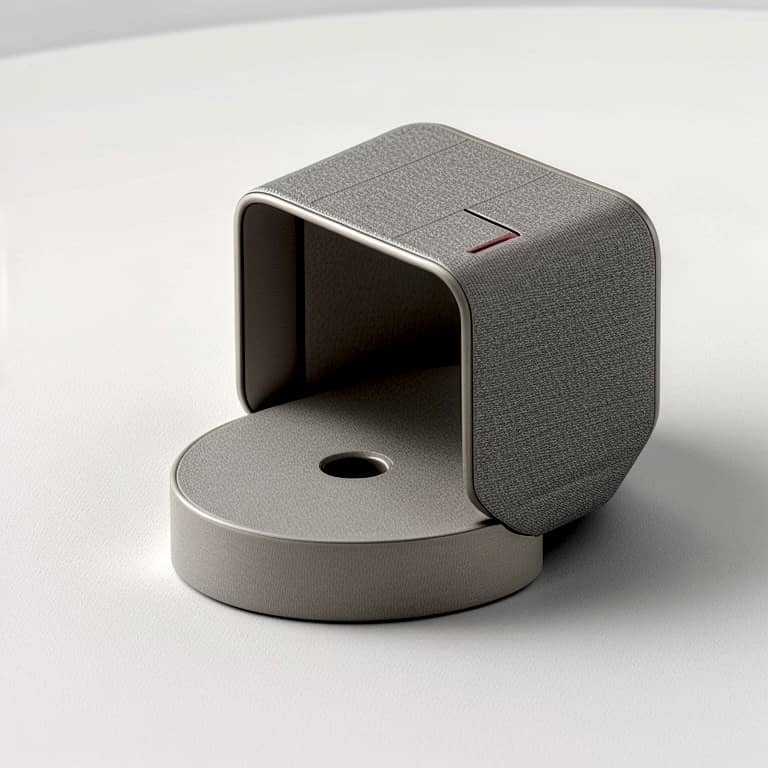


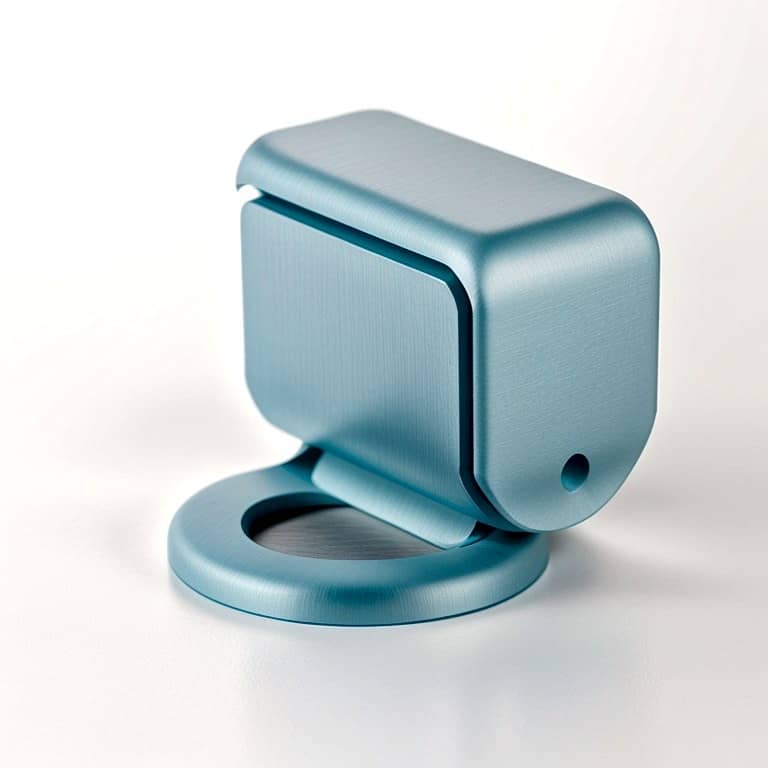
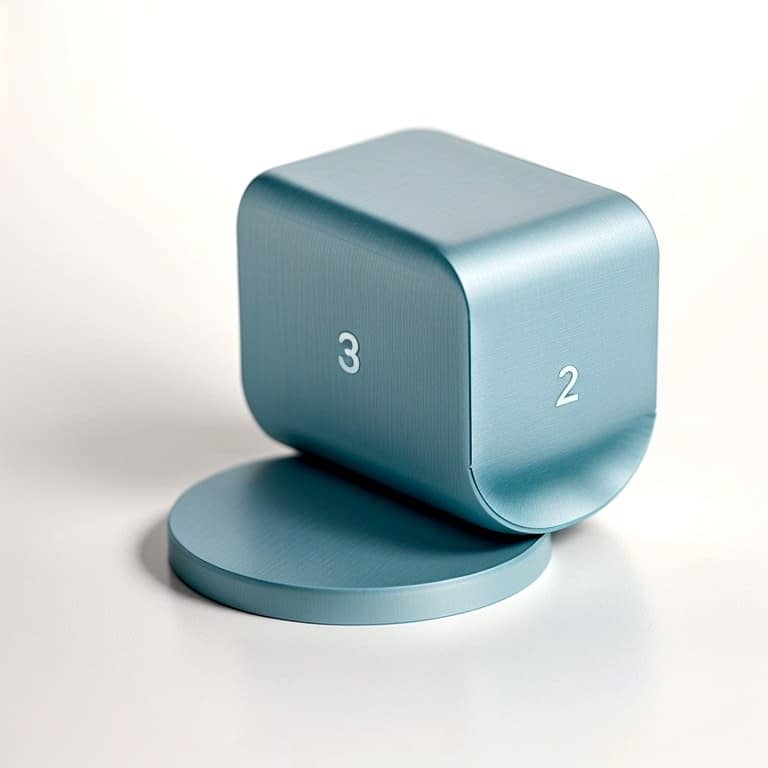

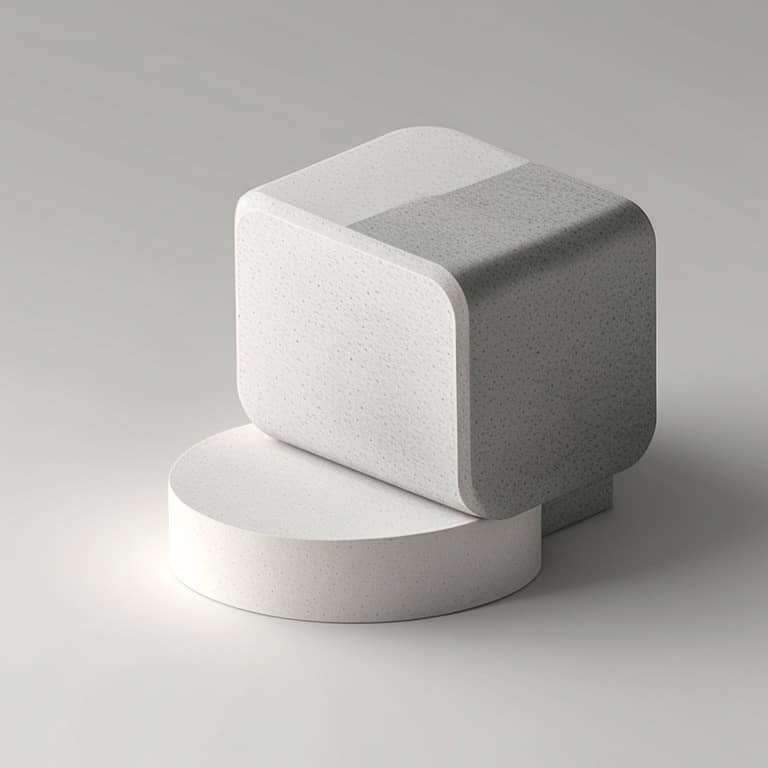
Seeing a wide variety of incomplete reads is like brainstorming with teammates — it opens the mind and triggers the student to consider possibilities beyond the usual. These provocations are deliberately flawed but interesting so they don't finish the work for the student, but invites them to think of meaningful ways forward.
Moment 3 — Student notices, shortlists, and imagines
The student chose. The student interpreted. The student changed the direction.
Shortlisted
What the student chooses — and rejects — makes their thinking and judgement visible.
Moment 4 & 5 — Student connects the dots and reframes
“A key bowl that lights up as you approach, can nudge forgetful persons to keep essentials in one place.”
Possibilities become meaningful when the student connects them to problems people face.
Moment 6 — Developed
Author and director.
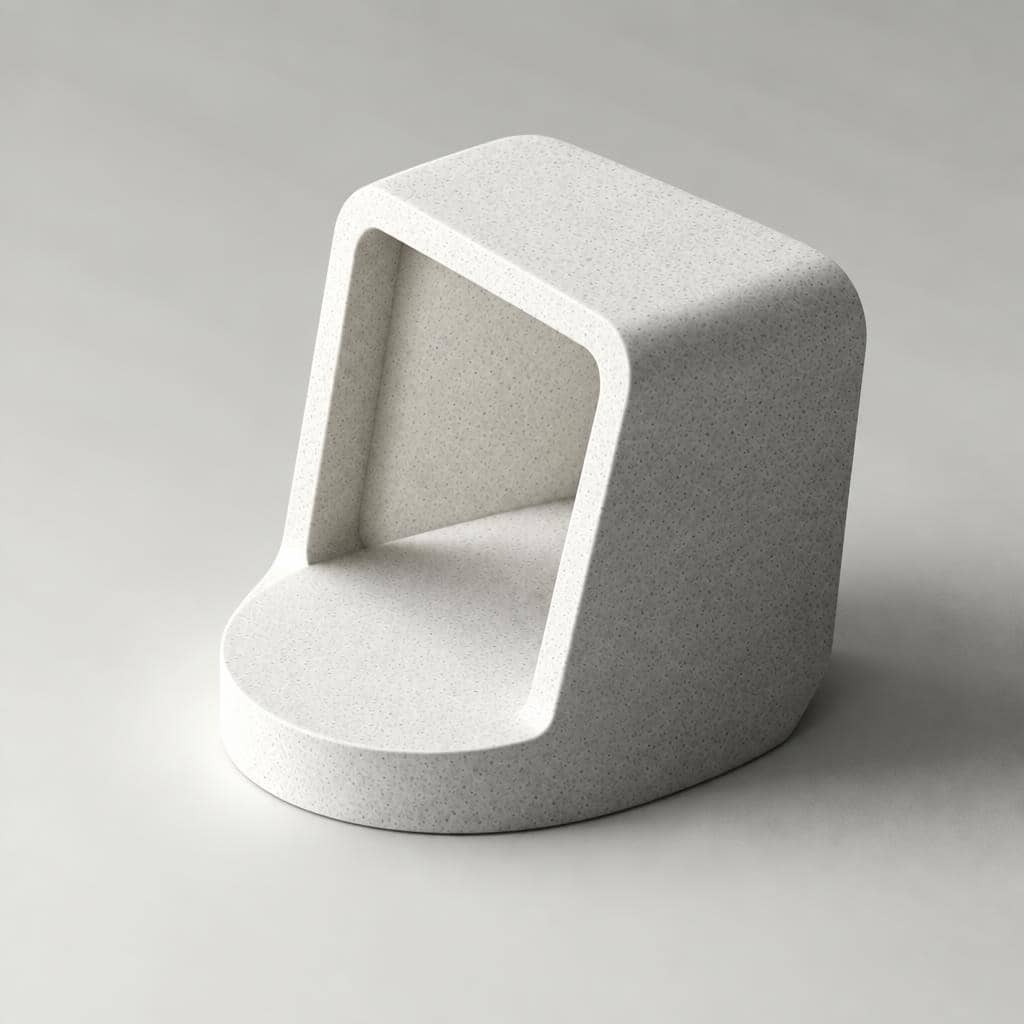










With a reframed goal in mind, the student iteratively conforms the rough-generated artefacts to their vision.
Moment 7 — Communicated
Present and persuade.





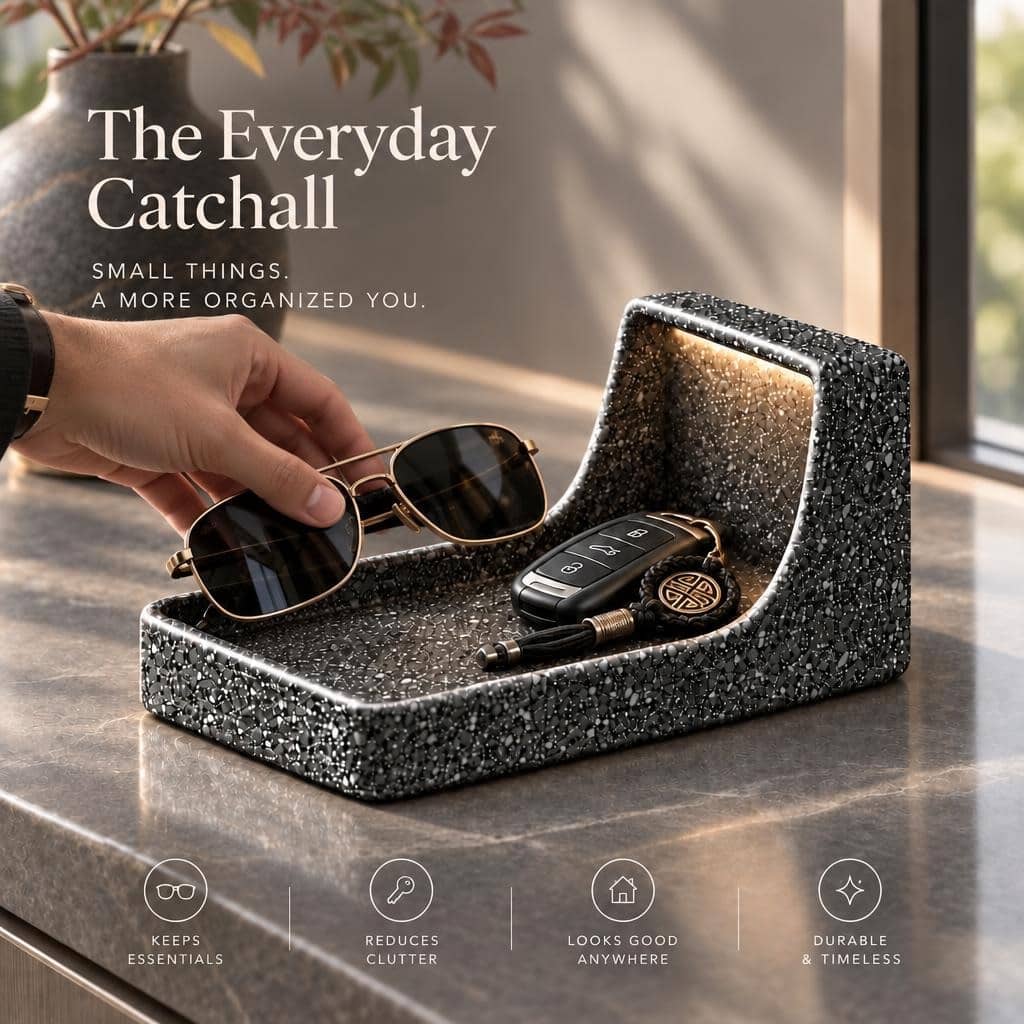
Rapidly add context, supporting detail and realism to make your concepts clear, compelling and convincing.
Look for transformation, not a brilliant starting point.
Where an idea starts matters less than where the student takes it. Look for ideas that shift, gain meaning and become more unexpected over time. That evolution is evidence of human judgement and authorship — the human in the loop.
Begin before certainty
Act without needing the answer first.
Notice & judge
Decide what deserves attention rather than accepting whatever AI produces.
Make connections
Combine observations and possibilities into something personally meaningful.
Reframe
Change how the problem or opportunity is understood.
Develop & communicate
Turn an emerging possibility into something others can understand and respond to.
This gives teachers more to discuss than simply: “Is the final idea good?”
Evidence behind the approach
Look for movement, not just prettier pictures.
We are interested in whether students explore more widely, move beyond first answers, form their own interpretations and become more willing to act creatively — not simply whether AI improves the finish of their images.
d = 0.7
Average effect size across three cohorts for the increase in self-perceived creativity
3 cohorts · n = 55 · mostly non-design students
Singapore Polytechnic Academic Quality & Resources FabLab
In an evaluation conducted by Singapore Polytechnic's Academic Quality & Resources FabLab unit, students reported increased self-perceived creativity after learning the approach, averaging Cohen's d = 0.7 across three cohorts of mostly non-design students.
Also observed
Students produced a broader range of creative lamp concepts than under the institution's previous course approach.
The evaluation was conducted by Singapore Polytechnic's Academic Quality & Resources FabLab FabLab unit. We report these findings as evidence behind the approach, not as proof of causation.
Who built the method
Developed through teaching and making.
The Hypersketch curriculum, application and creative-thinking method were developed by Associate Professor Donn Koh, who teaches design innovation and artificial intelligence at the National University of Singapore while continuing to practise as a designer and entrepreneur through STUCK Design, which he co-founded.
His teaching and mentorship span creative education, professional design practice and student product creation, with student projects achieving commercial adoption and international design recognition.
“How can more people enter the creative process before they have the confidence, drawing proficiency and trained intuition to navigate uncertainty that experienced designers develop over years of practice?”
Hypersketch grew from that question. The aim was not to build an easier image generator, but an environment where more people could enter the creative process before certainty — and exercise real judgement inside it.
Students should not have to perform expertise before they are allowed to explore.
References to Donn Koh's academic appointment are included solely for identification and context and do not imply endorsement by the National University of Singapore.
Selected education engagements
Schools and education teams that have explored Hypersketch.
Through educator trials, student workshops, pilot programmes and school licences, Hypersketch has been explored across a growing range of educational settings.
Anglo-Chinese Junior College
Australian International Academy
CHIJ St. Nicholas Girls' School
Chua Chu Kang Secondary School
Design and Technology Educators Society
Hangang Media High School
Methodist Girls' School
MOE HQ, Singapore
National University of Singapore
Peirce Secondary School
Savannah College of Art and Design
Serangoon Garden Secondary School
Singapore Polytechnic FabLab
South View Primary School
Temasek Polytechnic School of Design
Victoria School
West Spring Secondary School
Organisations listed have participated in one or more student workshops, lab deployments, pilot programmes or licensing engagements with Hypersketch. Inclusion does not imply partnership, endorsement, ongoing use or current licensing.
Classroom use
Use it inside the work you're already teaching.
Hypersketch does not need to become another subject or another AI lesson. It can sit inside projects where students already need to explore, invent, visualise and communicate.
Browser-based · works on school iPads, laptops and Android tablets
Inventive Thinking
Entrepreneurship & Product Ideas
Design Thinking & Innovation
STEM & Maker Projects
Art & Visual Communication
Project-Based Learning
Interdisciplinary Projects
Design & Technology
School Environment Improvement
Industrial Design
Architecture
Creative AI Literacy
One activity
Use one part of the loop to provoke a project or break fixation.
One project
Use Hypersketch at multiple points during an existing design, innovation or creative assignment.
A programme
Teach The Hypersketch Possibility Loop™ explicitly as a repeatable creative-thinking method.
Teachers remain the guide. Hypersketch gives them more student thinking to guide.
Inside the Web App
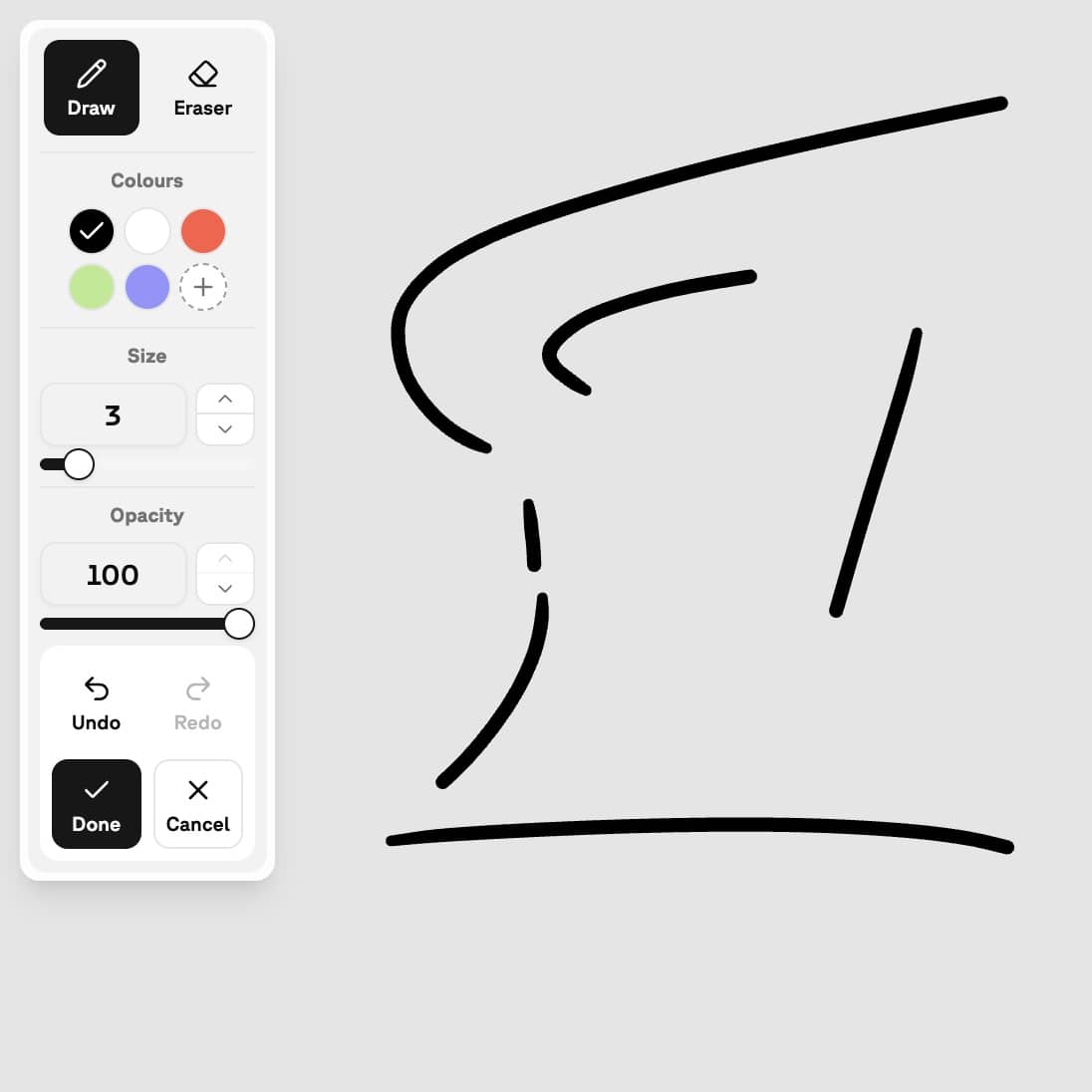
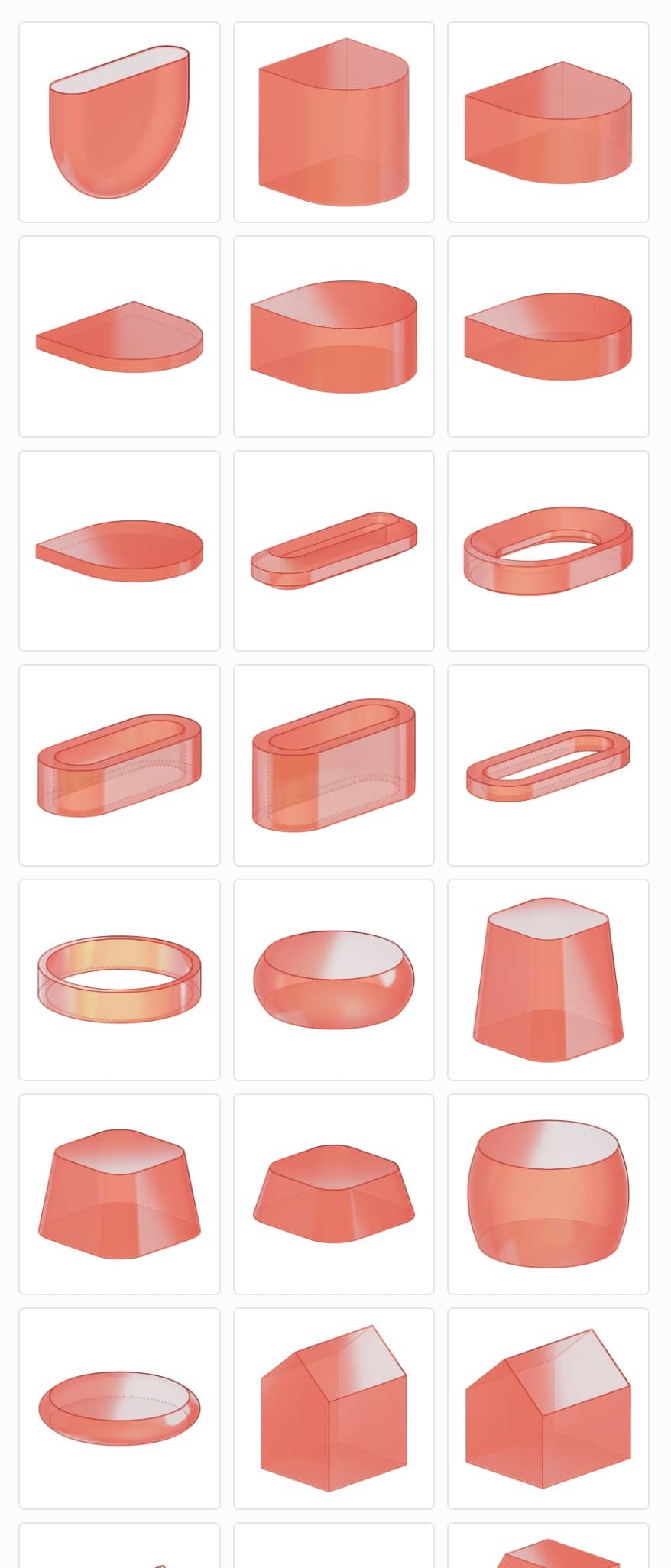
Making, not prompting.
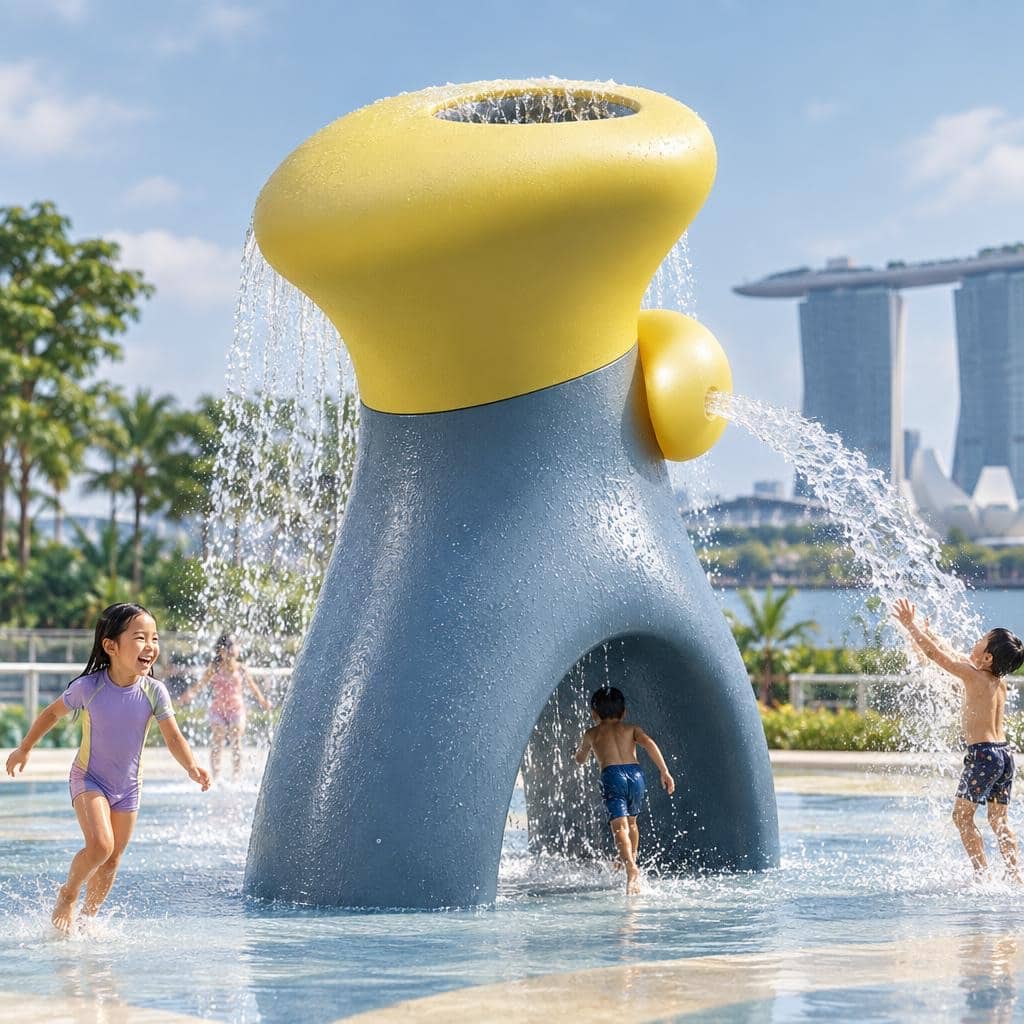
Shortlisting what matters.
Branching without losing the alternatives.
Designed for school use
School use needs different defaults.
Hypersketch is designed for teacher-directed creative learning, with student work and data treated as school content rather than material for advertising, profiling or model training.
A teacher-directed visual tool — not an open-ended general-purpose AI chatbot.
01 — Teacher-directed, not open-ended chat
Hypersketch is primarily a visual creative-learning tool rather than an open-ended general-purpose AI chatbot.
02 — Student work is not used to train AI
Hypersketch does not use students' sketches, prompts, projects or generated work to train or fine-tune AI models.
03 — Private by default
Student work is private from other students by default unless shared through an approved classroom workflow. Teacher and administrator visibility can be configured for the school's deployment.
04 — No advertising or commercial profiling
Student activity is not sold or used to build targeted advertising profiles.
05 — Does not grade or rank students
Hypersketch does not grade students, rank students or determine academic outcomes.
06 — Saved Web projects stored in Singapore
Saved projects in the Hypersketch Web App are currently stored in Hypersketch-managed cloud infrastructure in Singapore.
Hypersketch follows a data-minimisation approach and processes only information reasonably needed to authenticate users, operate the service, perform requested AI functions and preserve intentionally saved projects. AI generation uses specialised cloud computing services, so temporary processing may occur outside Singapore.
For school teams
Start small. Learn before you scale.
Schools do not need to commit to a whole-school deployment to discover whether Hypersketch adds educational value. Start with the educators themselves or a defined student cohort, then expand only when there is a reason to.
Try
Educators explore Hypersketch themselves.
Pilot
Use it with a class, project, enrichment programme or selected cohort.
Review
Look at student work, educator experience and aggregate usage before deciding what comes next.
Scale
Extend to a department, level or whole school where the evidence supports it.
Teacher and administrator access available for school deployments.
Implementation and onboarding support available.
School network setup guidance available before deployment.
Common questions
Before you bring Hypersketch into a classroom.
Try it as an educator
See what happens when you begin before you have the answer.
Explore Hypersketch yourself, or let us show your team how Visual Co-Thinking can fit into the learning you already teach.
No student accounts or student data are needed for an educator trial.
Hypersketch does not generate answers. It generates agency.